
Four things you no longer have to do by hand
Answering WhatsApp, writing up the appointment, building a form template and answering the team's questions. It is all inside Appointmint, with no separate app.
Availability of each one varies with the plan. None of them needs extra setup. See plans and pricing
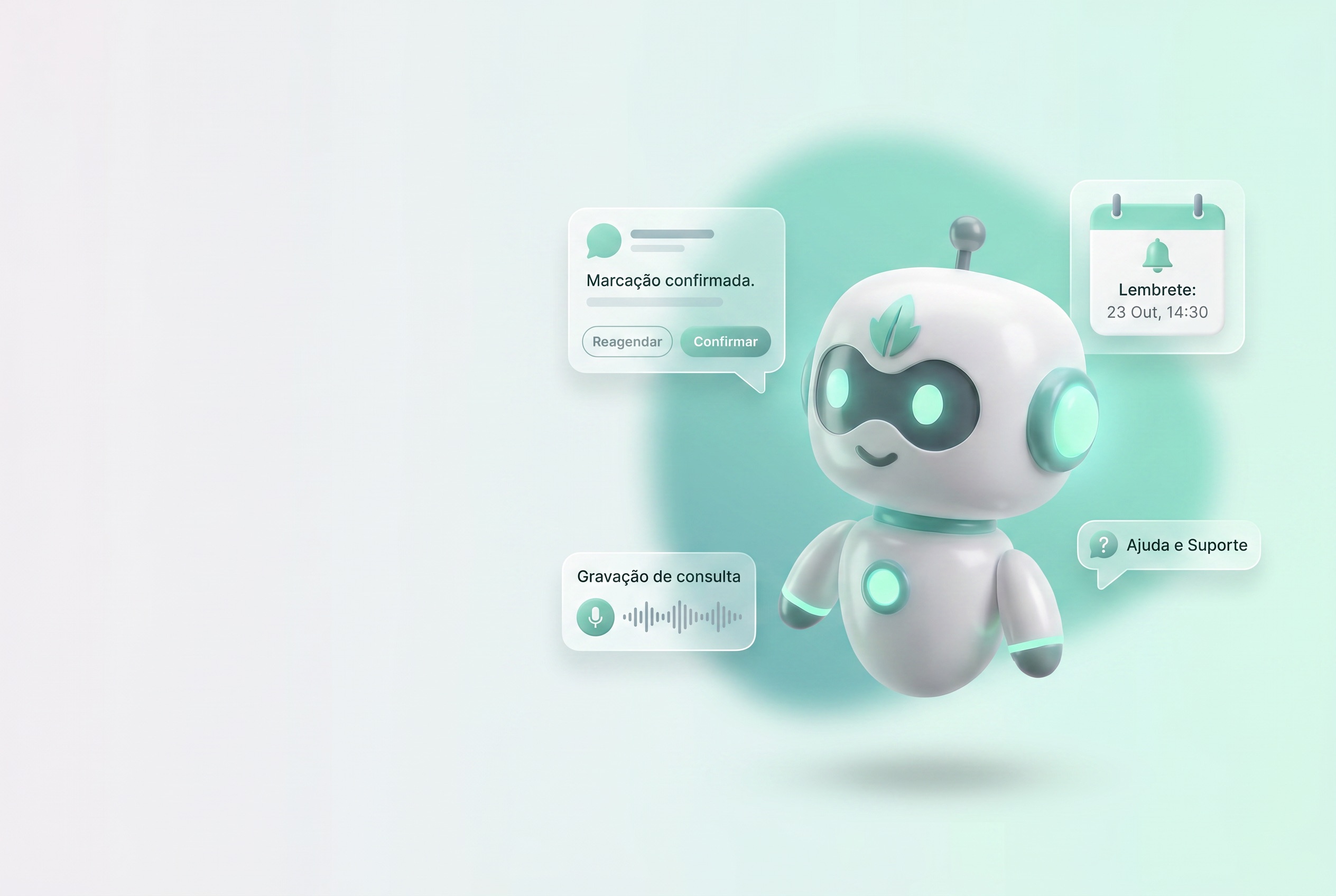
Four places where AI steps into your day
Each one steps into a different part of the day, and none of them asks you to change how you work.
WHATSAPP RECEPTIONIST
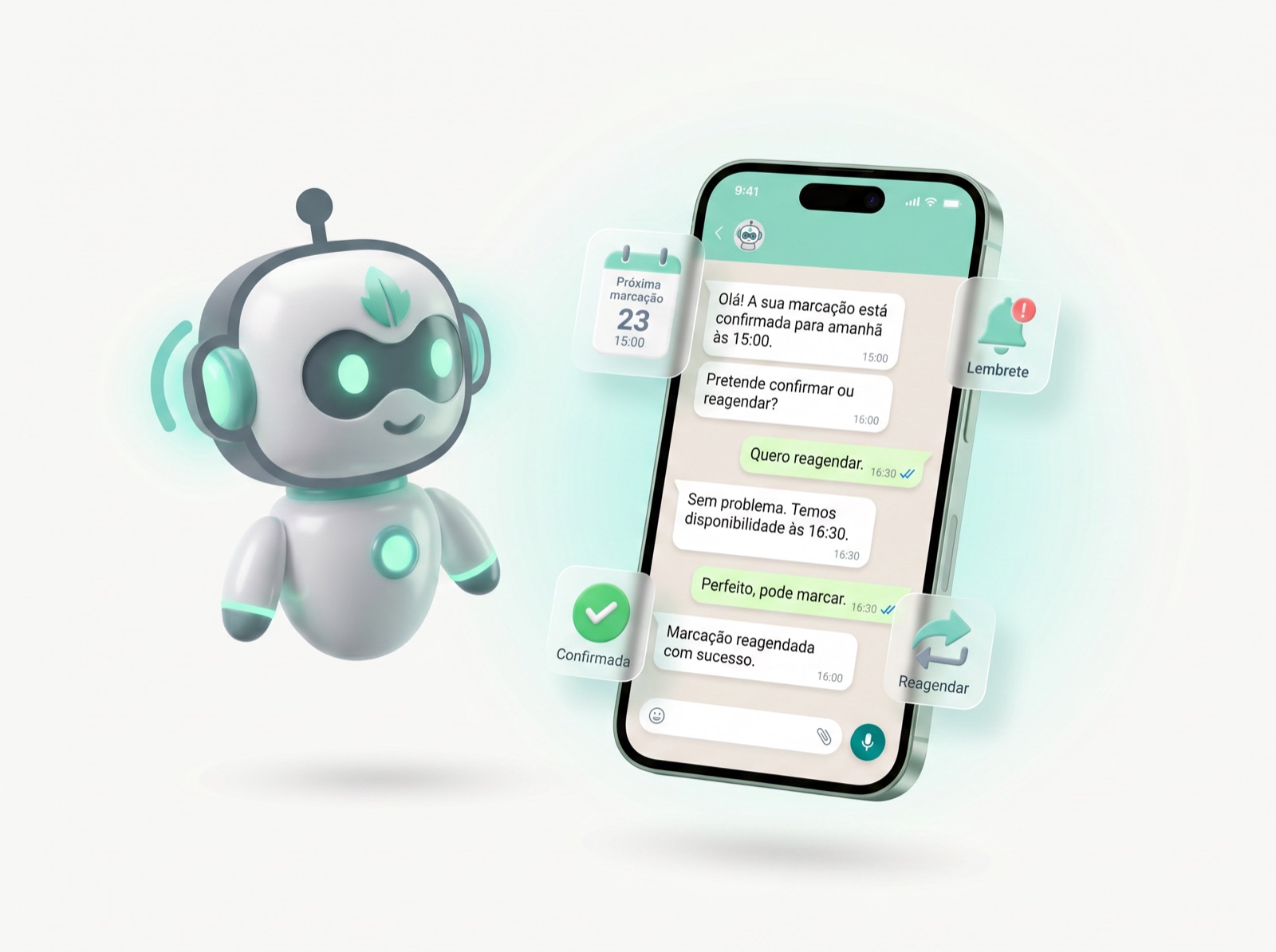
Mintu answers WhatsApp when nobody can
Mintu talks to your clients on WhatsApp the way a person would: it confirms appointments, handles cancellations and answers the questions that come up every day.
- Confirms and reminds clients automatically, with no manual calls
- Rebooks or cancels according to the rules you configure
- Answers questions about services, prices and availability instantly
- Speaks Portuguese, English and French
Use your own WhatsApp number
Connect your business's WhatsApp Business number to Appointmint in minutes. Messages stop going out from Appointmint's shared number and start going out under your name.
- Clients see your business name and number as the sender
- Your messages do not queue behind other businesses'
- Client replies come straight to you
IN-APP AI HELPER
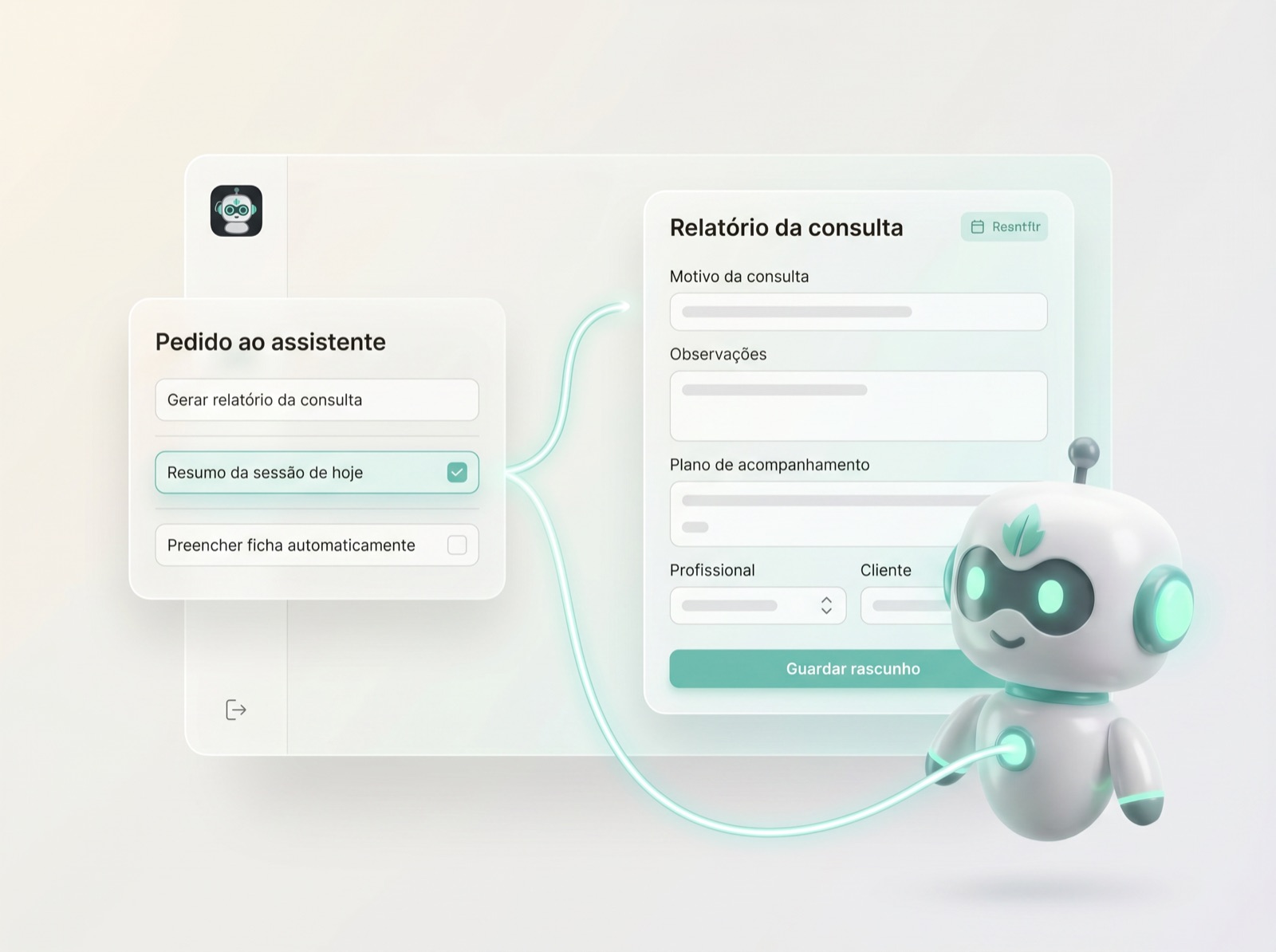
The report template starts out filled in
In Report and Form settings, the Create with AI button builds the field structure from a short instruction. Your team starts from a draft instead of a blank page.
- Drafts a report or form template's structure from a short prompt
- Regenerate or refine the draft with a new instruction
- It keeps your tone and your structure, and the review is always yours before saving
- Available in Settings, for both Report and Form templates
AI APPOINTMENT SCRIBER
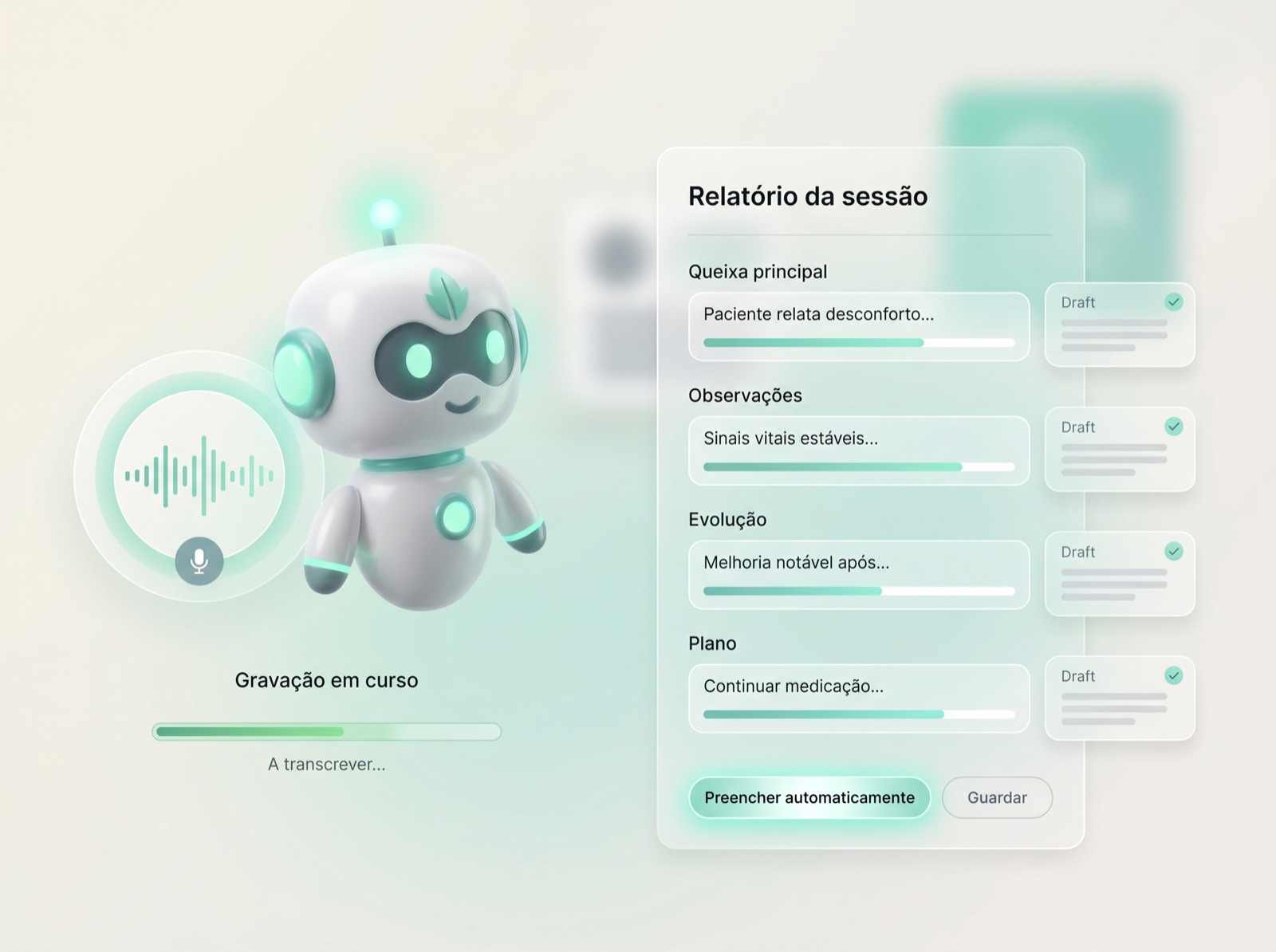
The Scriber listens. You look at your client.
Turn the Scriber on before the appointment and the report fills in as you talk. At the end you review the draft and save.
- Listens to and transcribes the appointment as it happens
- Fills the report's fields live, structured and ready to review
- Produces an internal AI summary for quick handoffs between professionals
- The transcript and the summary stay private in your account. The recording is not kept.
VIRTUAL SUPPORT ASSISTANT
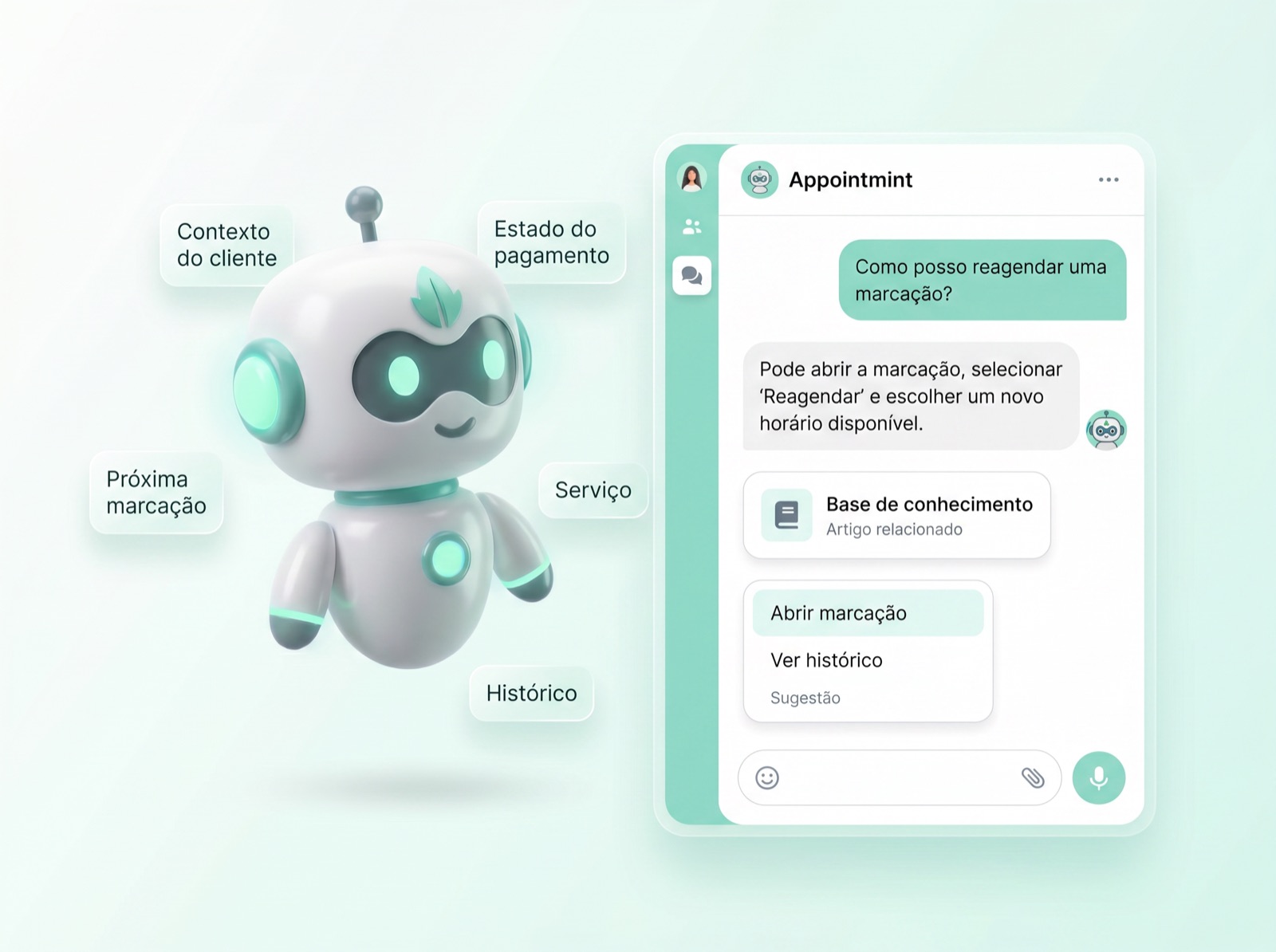
Support already knows your plan and your settings
It answers your team's questions using Appointmint's knowledge base and the context of your account: the plan, the settings, the appointments.
- Searches the knowledge base to answer how-to questions instantly
- Understands your plan, settings and data to give specific answers
- Available inside the app whenever your team needs help
- When a person is needed, it opens live chat or creates the support request
Appointmint AI
An assistant that knows when to call your team
The assistant answers with the context of your account. When the question needs a person, it opens live chat or creates a support request.
Frequently asked questions
Are AI features included in my Appointmint plan?+
It depends on the feature and the plan. Some come in from a certain tier, others, like Mintu on WhatsApp, are an add-on. The Pricing page says what is included in each plan.
Which languages does the AI understand?+
Portuguese, English and French today, with more languages on the way.
Does the AI Scriber store the recording of my appointment?+
No. The Scriber processes the audio to produce the transcript and the summary, but it does not keep the recording. Only the transcript and the summary stay in your account, privately.
Can I review what the AI writes before it's saved?+
Always. Every report, form or filled field generated by AI is a draft you review and confirm before it's saved.
Does Mintu replace my reception team?+
No. It handles the repetitive, high-volume messages, like confirmations, common questions and simple reschedules, so your team keeps the conversations that need a person.
Can the support assistant make changes for me?+
No. The assistant answers with the context of your account and, when needed, connects you to a person over live chat or creates the support request. Configuration changes are always made by you or by our team.
Can I configure Mintu's schedule and personality?+
Yes. You can set the hours when Mintu answers, for example only outside opening hours, and also its personality, by giving it more context about your business.
Let AI handle the busywork
Start free and see Mintu, the Assistant, the Scriber and support working in your own account.
No card, and you cancel whenever you want.